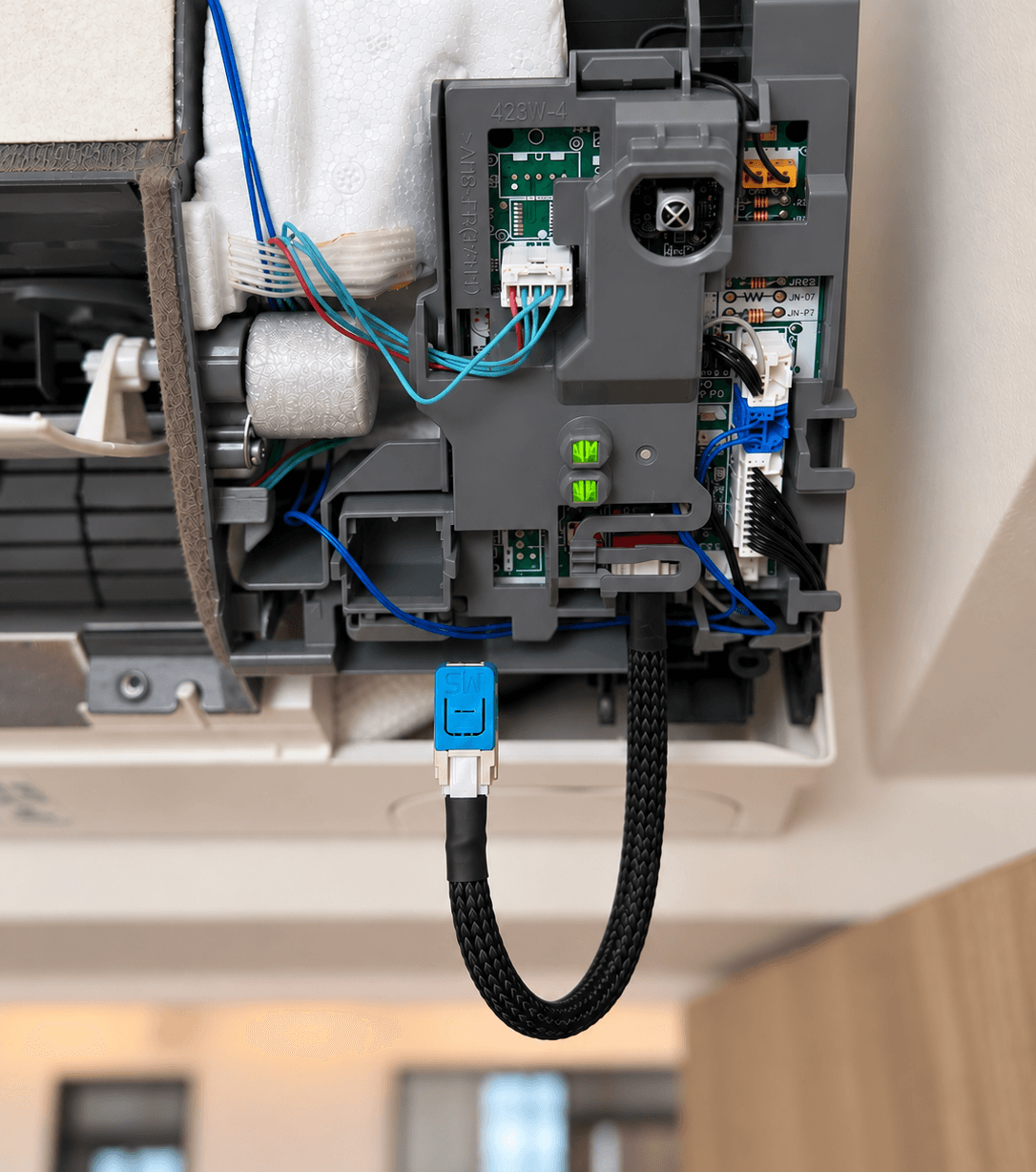
Why connect your Mitsubishi Electric aircon to Apple Home
A remote only works when you're in the room and can find it. Once your Mitsubishi Electric aircon is in Apple Home, it works like the rest of your smart home: from your iPhone, by voice, on a schedule, or on its own.
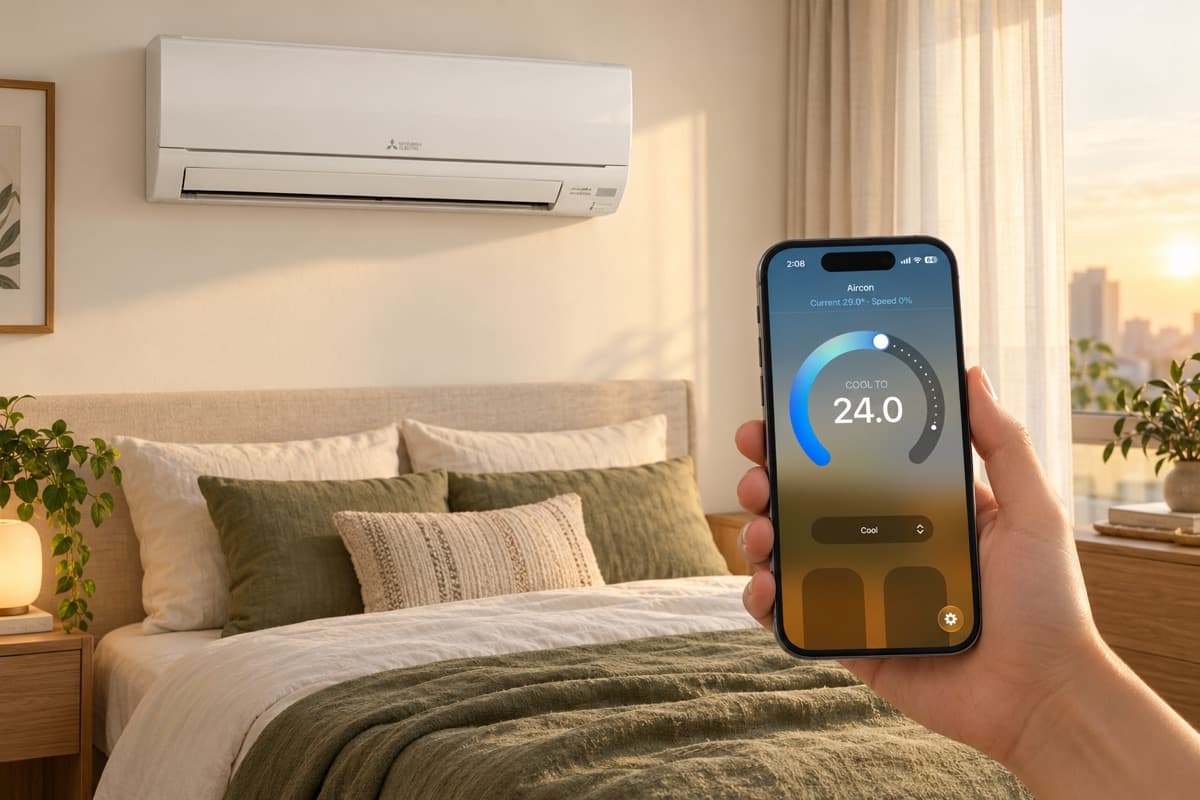
One app for the whole home
Your aircon appears in the Home app next to your lights, blinds and cameras. Turn it on, set the temperature, or switch between cool, dry and fan modes from your iPhone, iPad, Apple Watch or Mac. No extra app, and no hunting under the sofa cushions for the remote.
Ask Siri
Siri controls it by the name you give it in the Home app:
- “Hey Siri, turn on the bedroom aircon.”
- “Hey Siri, set the bedroom aircon to 25 degrees.”
- “Hey Siri, what’s the temperature in the bedroom?”
It’s handy when you’re already in bed, your hands are full, or you’re in another room.
Come home to a cool room
With an Apple home hub, such as an Apple TV or HomePod, you can control your aircon when you’re away. Turn the living room on from the MRT so it’s cool by the time you walk in, or check you didn’t leave the bedroom running after you’ve left for work.
Apple Home can also do it for you. Set an automation to turn the aircon on when the first person arrives home, and off when the last person leaves.
Let the room temperature decide
The module reports the room’s temperature to Apple Home, so your automations can react to it. For example, turn the aircon on when the study gets warmer than 28°C in the afternoon, instead of running it all day just in case.
Bedtime in one tap
Add your aircon to an Apple Home scene. A Good Night scene can turn off the lights, close the blinds and set the bedroom aircon to 25°C, all from one tap or one sentence to Siri. Schedule it to run at the same time every night if you like.
Share it with your household
Anyone you invite to your home in the Home app can control the aircon from their own iPhone. Nobody needs to share a login or download a separate app.
It stays on your network
The Smart Aircon Module talks to Apple Home over your home WiFi. There’s no online account to create and no cloud service in between, and it keeps working if your internet connection drops.
What you need
- A compatible Mitsubishi Electric aircon. Most wall, floor and ceiling units work. Check your model.
- One Smart Aircon Module for each indoor unit. It plugs into a port inside the aircon and draws power from it.
- An iPhone or iPad with the Home app, and 2.4 GHz home WiFi.
- An Apple home hub if you want control away from home and automations.